Quick Answer
A patient portal lets patients book appointments, view their medical records, access prescriptions, and pay bills without calling the clinic. The primary benefit is not the technology — it is availability. Patients book at 10 PM when they remember. Clinics that add self-service booking typically see a 20-35% increase in total bookings within the first month.
Dr. Suresh Menon runs a general practice in Koramangala, Bengaluru. Before February 2025, all bookings came through a single phone line that was staffed from 9 AM to 7 PM. If a patient wanted to book at 8 PM, they either called and got voicemail or they called the next morning and sometimes forgot.
Three weeks after launching a patient self-service portal, his clinic had:
- 28% more total bookings than the same period the previous month
- 41% reduction in incoming phone calls to reception
- 67% of new bookings happening outside office hours
None of that required additional staff. In fact, his receptionist now has time to do things that actually require a human.
Why Patients Do Not Book During Office Hours
This surprised me when I first saw the data. I assumed most appointment bookings would happen between 10 AM and 5 PM — when patients are awake, at work, thinking about health.
The reality: 43% of online clinic bookings happen between 8 PM and 11 PM. Another 18% happen between 6 AM and 9 AM. Over 60% of bookings happen outside typical working hours.
The implication is obvious. When your only booking channel is a phone line that closes at 7 PM, you are invisible to 60% of the people who are ready to book right now.
A patient portal is not fancy technology. It is just availability.
What a Good Patient Portal Actually Looks Like
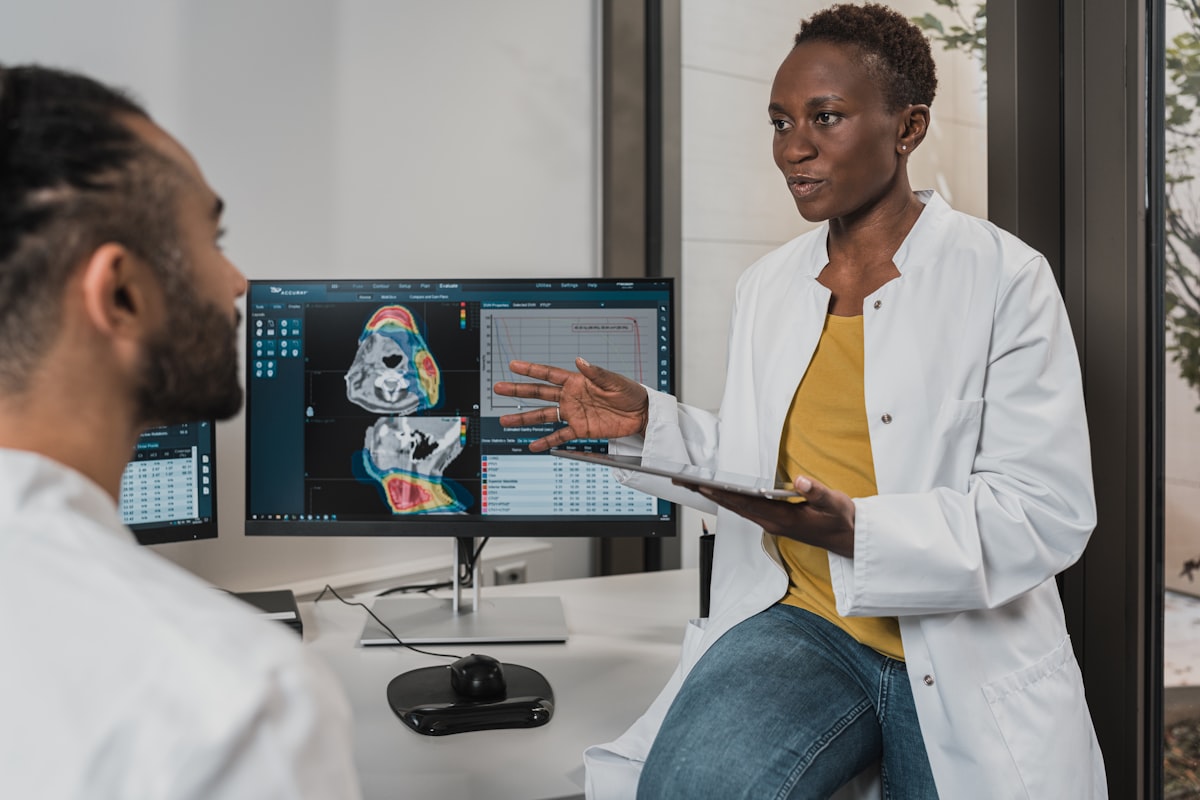
Not all patient portals are created equal. Here is what the useful features are versus what sounds good in a demo but does not get used:
Actually used:
- Appointment booking with real-time slot availability
- Prescription download and reorder request
- Lab report access
- Invoice view and payment (UPI link)
- WhatsApp notification when reports are ready
Rarely used in Indian clinic context:
- Symptom checker tools
- Telemedicine video (useful in specific scenarios, not general use)
- Health tracker integrations
- Complex health questionnaires pre-visit
The portal that Dr. Menon's clinic uses does the first list and nothing else. It is fast to load on a mobile browser (not an app — important), and the entire booking flow takes under 90 seconds.
The Reception Workload Shift
Before the portal, Dr. Menon's receptionist spent approximately 3 hours per day on booking-related calls: new booking requests, reschedule requests, cancellations, and "what time is my appointment?" calls.
After the portal, that dropped to 45 minutes per day. The portal handles new bookings, sends automated confirmation and reminders for reschedule requests, sends a cancel-and-rebook link, and sends an automated reminder that includes appointment details so patients do not need to call to check.
The receptionist now spends the reclaimed 2+ hours on billing follow-ups, patient check-in experience, and insurance paperwork — all things that actually benefit from a human touch.
The Most Overlooked Benefit: Capturing After-Hours Bookings You Never Knew You Were Losing

Dr. Menon's clinic was doing approximately 38 appointments per day before the portal. After three weeks, it was doing 49.
Where did those 11 extra appointments per day come from? They were not new demand — they were demand that had always existed but could not reach the clinic when the phone was off.
Every clinic has a population of prospective patients who are "meaning to call and book." The moment the barrier drops from "I need to call during business hours" to "I can book from my phone right now," a significant portion of that latent demand converts immediately.
At ₹600 average revenue per appointment, those 11 additional daily appointments represent ₹6,600/day — roughly ₹1.98 lakh per month in incremental revenue, from a clinic that was already running at what the owner thought was full capacity.
What to Expect in the First 30 Days
Based on the clinics I have set this up for:
- Week 1: Low portal usage as word spreads. Expect 10-15% of bookings through portal.
- Week 2: Increasing uptake as existing patients try it and tell others. 20-30% of bookings.
- Week 3-4: Stabilisation at 40-60% of new bookings through self-service for most clinic demographics.
The key accelerator is promotion. Send a WhatsApp message to your existing patient database announcing the portal with the booking link. It is the single action that accelerates adoption fastest.
For complete integration with WhatsApp automation to make the portal even more effective, see the WhatsApp automation playbook. And if you are also focused on reducing no-shows from the additional bookings — more bookings mean more potential no-shows — the no-show reduction guide has the exact sequences to stay ahead of it.
Frequently Asked Questions
Do patients need to download an app to use a patient portal?
A well-designed patient portal should work as a mobile web page — no app required. App downloads create friction and reduce adoption significantly. Expect 3-4x higher usage from a mobile-responsive web portal versus an app that needs to be installed.
How do we prevent inappropriate bookings or spam through the portal?
Phone number verification (OTP) at registration is the standard solution. It ensures every booking is linked to a real phone number, effectively eliminating spam. You can also require new patients to add details before confirming.
Can we control which appointment types are available for self-booking?
Yes. Most portal systems allow you to specify which appointment types can be self-booked (e.g., routine consultations, follow-ups) versus which require a staff call first (e.g., procedures, specialist consultations). This gives you control over workflow without restricting general booking.
What if a patient books an appointment that is not appropriate for them?
This is rare but happens. The solution is a brief intake questionnaire in the booking flow — 2-3 questions that help flag mismatched bookings. Staff can review and call the patient before confirmation for flagged cases.
How should we communicate the patient portal to existing patients?
A WhatsApp broadcast to your existing patient list with a direct booking link is the most effective channel. Include a brief line about what they can do: "Book, reschedule, and view your prescriptions anytime at [link]." A QR code at the reception desk for walk-in patients converts well too.
Does a patient portal work better for some specialties than others?
Portals work best for general practice, dentistry, dermatology, and any specialty with high repeat-visit patients who know what they need. They are less effective for first-time specialist consultations where patients have questions before booking. In those cases, a WhatsApp chat option alongside the booking form improves conversion.
About the Author
Rahul Sharma
B.Tech, Healthcare IT Consultant — 8 years in practice management
Rahul Sharma has helped over 60 clinics and hospital groups migrate from legacy systems to modern clinic management software. He specialises in ROI analysis and operational efficiency for healthcare SMBs.
Ready to modernise your practice?
Start your 14-day free trial of Ortix
Join thousands of clinics using Ortix to cut no-shows, recover billing revenue, and save 2+ hours daily on admin.
No credit card required · Cancel anytime